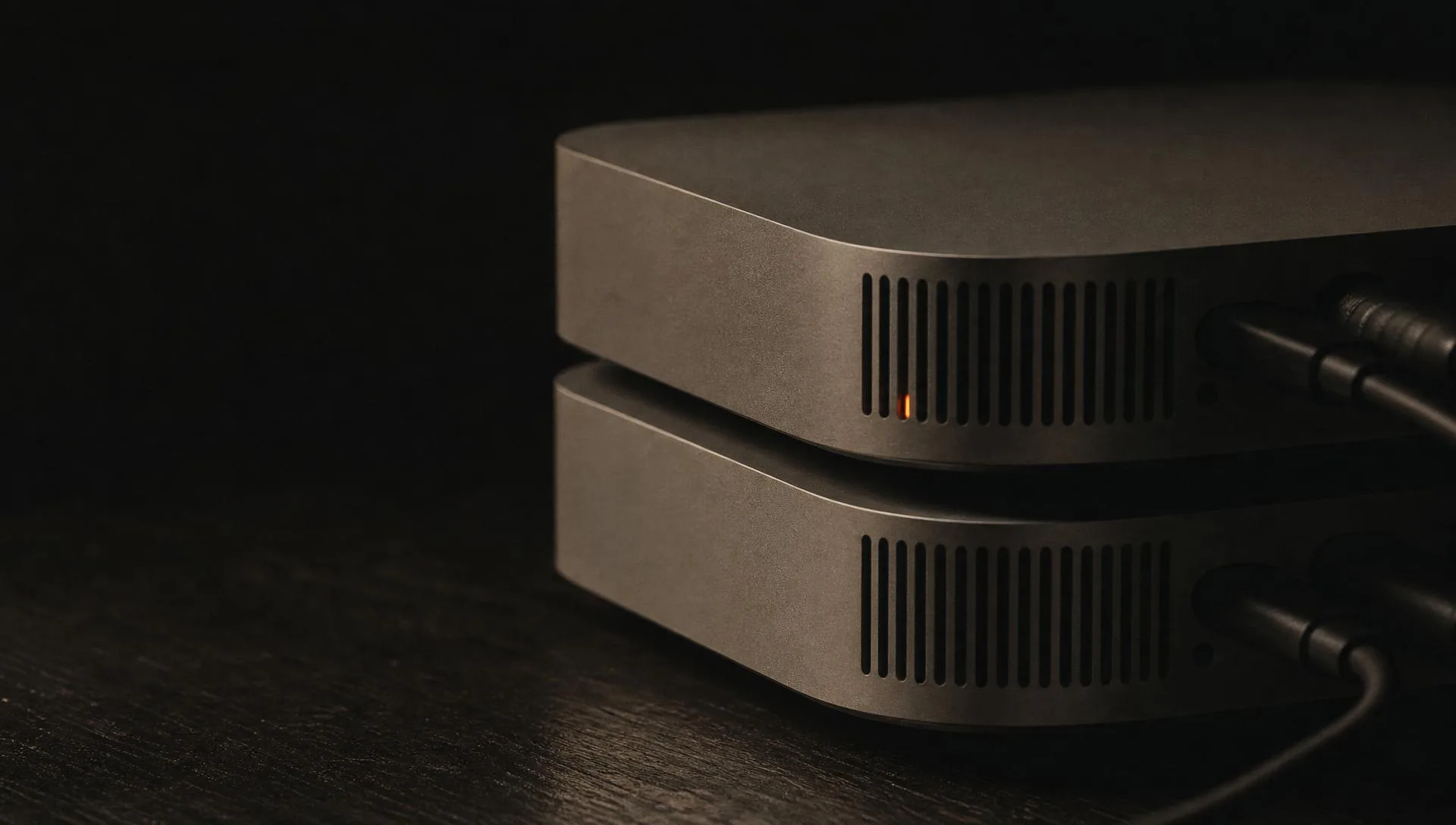
I run more than twenty AI agents as a one-person operation, and most of them live in my house.
Four machines, networked together so they act like one, anchored by a Mac Studio with 512 GB of memory. The big one runs a local language model, MiniMax M2, with around 257 GB of model weights held in RAM. That box is the reason a chunk of my daily AI bill dropped from about fifty dollars a day to somewhere between zero and two. It is also the reason some of my work never touches the cloud at all.
Most articles about local AI are written by people benchmarking hardware they borrowed for a week. I am not reviewing this gear. I bought it, I run my actual business on it, and I retune it every few weeks. So here is the real thing, machine by machine.
The bet behind the build
Back in January I spent around ten thousand dollars on the Mac Studio. Off savings. Not because I needed it that week, but as a bet.
The bet was simple. Memory is the bottleneck for AI right now, and the data centers are buying all of it. The gear that lets you run big models at home was going to get harder to buy, not easier. I wanted to own the ability to run large models myself before that door closed. When I look at what Apple sells now, the high-memory configuration I bought is not sitting on the shelf the way it was. That part of the bet is playing out.
I would rather own the thing that runs my work than rent all of it and hope the price holds.
Inside the cluster: four machines, 512 GB
The cluster is four machines, all talking to each other over Tailscale. That is the part that makes it feel like one computer instead of four. Any agent on any box can reach the local model, the image generator, or the database, no matter which machine it physically runs on.
| Machine | Chip | Memory | What it does |
|---|---|---|---|
| Mac Studio | M3 Ultra | 512 GB | The engine. Runs the local LLM (MiniMax M2), hosts the heaviest agents, plus speech-to-text and a vector database. |
| Mac Studio | M4 Max | 64 GB | My daily driver. Runs a second set of agents alongside the work I do by hand. |
| Mac Mini | M4 | Stock | Always-on hub. Runs the chief-of-staff agent, all the scheduled jobs, and the Postgres memory the agents share. |
| PC | RTX 4090 | GPU | Local image and video generation (Stable Diffusion, Flux), reachable by any agent over Tailscale. |
The only piece not in my house is a small cloud box that runs the agents that have to stay online when I am not, so nothing important depends on my home network staying up. Everything else lives here.
What 512 GB actually buys you
The whole reason for the big memory is one number. MiniMax M2 takes about 257 GB of weights to load. You cannot hold that, plus a useful context window, plus the key-value cache, on a normal machine. On the 512 GB Studio I load it through LM Studio at a 64,000 token context, which is enough to feed it real work and not just toy prompts.
One detail that surprised me: I keep key-value cache quantization turned on, and it helps instead of hurting. With it on, the context stays pinned at 64k and the memory the cache would otherwise eat drops by roughly a quarter, from around 500 GB down to about 375 GB. That headroom is the difference between the model staying loaded all day and getting evicted every time something else needs memory.
There is still room left over. I keep smaller models like Qwen and Llama around for lighter jobs, a Whisper model for transcription, and the vector database the agents read from. The 4090 PC handles anything visual, so the Studio never has to.
Is running AI locally cheaper than the cloud?
For the right job, it is not close. I had one extraction workload that ran constantly and was costing about fifty dollars a day on cloud models. I moved it onto the local MiniMax model and it now costs between zero and two dollars a day. Same work, almost none of the bill.
I want to be honest about the other side of that, because most takes on this are not. Most of my agents still run on flat-rate cloud plans. For one-off thinking work, where I am not hammering the model thousands of times, those plans are the better deal and I am not going to pretend otherwise. Local wins on the jobs that are either very high volume or private. The cloud wins on the rest. The whole game is knowing which job is which, and that line keeps moving.
The agents the cluster runs
The fleet does a lot of different jobs, but a few show what the hardware is actually for.
One agent keeps my gaming site, TheFinalsLoadout, current with the game's weekly weapon meta. Here is the part I care about: the agent does the research and writes up a proposal, but it cannot touch the repository or run git itself. A separate, deterministic script takes that proposal and does the commit and the push, on a branch, after I approve. The thinking is done by the model. The action is done by code I trust. That split is the only reason I let an agent near a live site at all. That same site became the most cited in my study of what AI answer engines actually cite.
Other agents watch online presence and run outbound research. The 4090 turns out the images. And one agent is built the opposite way from all the others, on purpose.
Why local instead of the cloud
That one agent can never reach the cloud. Its list of fallback models is empty by design, so if the local model is down, it stops and waits rather than quietly calling out to some API to finish the job. No web tools. No outside connections. Locked to me. It handles private, personal and financial tasks I do not want leaving the house, and the way I know they cannot leave is that there is no road out.
You cannot build that on someone else's computer. That is the part of local AI that does not show up in a benchmark, and it is half the reason the cluster exists.
What I have not figured out is how far to push everything local. The economics flip hard on the high-volume jobs and the privacy case is airtight, but the cloud plans are still better for the thinking work, and the newer local models keep moving the line. So I retune the split every few weeks. It is not finished. None of this is.
Questions I get about the setup
Is a 512 GB Mac Studio worth it for running local LLMs?
For my work, yes. The 512 GB of unified memory is what lets me hold a large model like MiniMax M2, with 257 GB of weights, in RAM at a usable context length. Moving one high-volume job off the cloud and onto that local model took its cost from roughly fifty dollars a day to between zero and two. If you only run a few prompts a week, you do not need this. If you run agents around the clock, the memory is the whole point.
What can you actually run locally on 512 GB of memory?
On the 512 GB machine I run MiniMax M2 as the main local model, loaded through LM Studio with about 257 GB of weights and a 64,000 token context window. There is room left for smaller models like Qwen and Llama for lighter jobs, plus a speech-to-text model and a vector database. Image and video generation run on a separate PC with an RTX 4090.
Is running AI locally cheaper than the cloud?
For high-volume, repetitive work, yes. One extraction job that was costing about fifty dollars a day on cloud models now costs between zero and two dollars a day running on the local model. The catch is that most of my agents still run on flat-rate cloud plans, because for one-off thinking work those plans are the better deal. Local wins on the jobs that are either very high volume or private.
Why run AI agents locally instead of in the cloud?
Three reasons: cost control on high-volume work, no rate limits, and privacy. One of my agents is wired so it can never reach the cloud at all. Its fallback model list is empty on purpose, so if the local model is down it stops and waits rather than calling out. It handles private, personal tasks I do not want leaving the house.
Own the thing that runs your work. Rent the rest, and only while the math still favors it.